
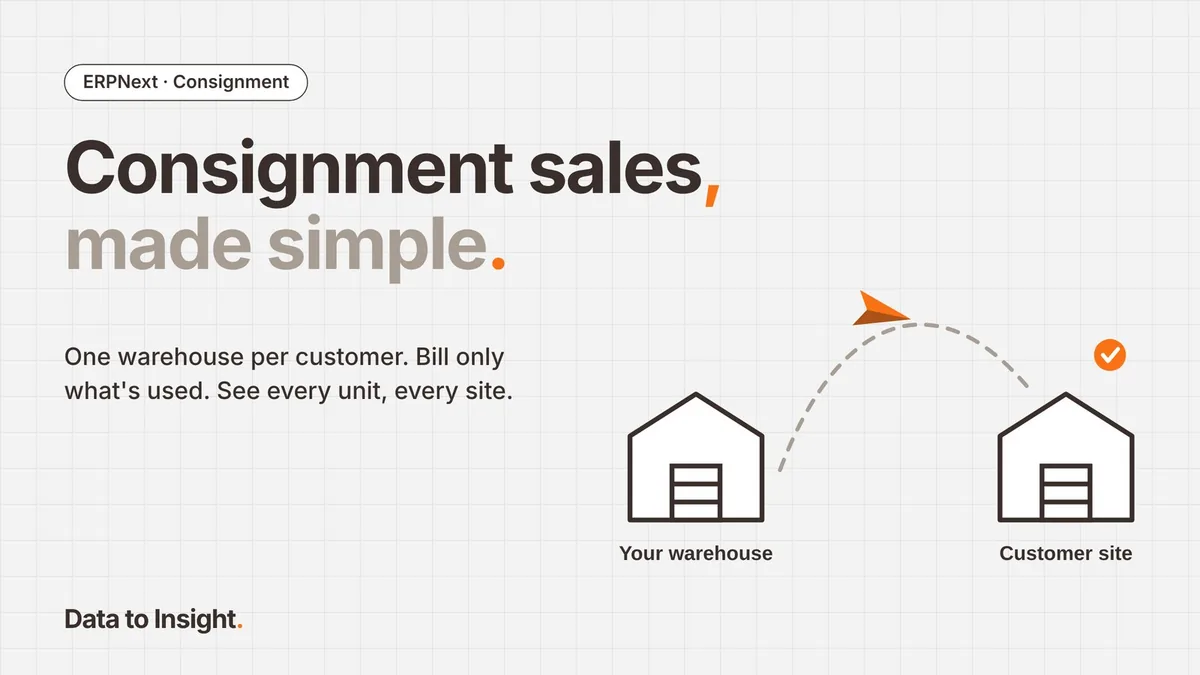
Why consignment gets messy
Consignment selling should be simple. Your stock sits on the customer’s shelf, and you bill only for what they use.
In practice, many businesses run it on spreadsheets, phone calls and month-end guesswork. Stock goes missing between “sent” and “sold”. Invoices go out late. Nobody is sure what is still lying at the customer’s site.
After setting this up for several clients, our view is clear: with the right structure, ERPNext makes consignment one of the easiest models to run.
What consignment selling really means
In a consignment model, you place stock at the customer’s location but you still own it. The customer pays only when they sell or use it.
It is common in pharma and hospital supplies, spare parts, FMCG distribution, building materials and retail. The model is simple. Tracking it is where things go wrong:
- Ownership: the stock is yours, but it is not in your building.
- Visibility: you need to know what is on each customer’s shelf, today.
- Billing: you should invoice only what was used, and on time.
- Control: expiry, damage and slow-moving stock happen at someone else’s site.
The model: one warehouse per customer
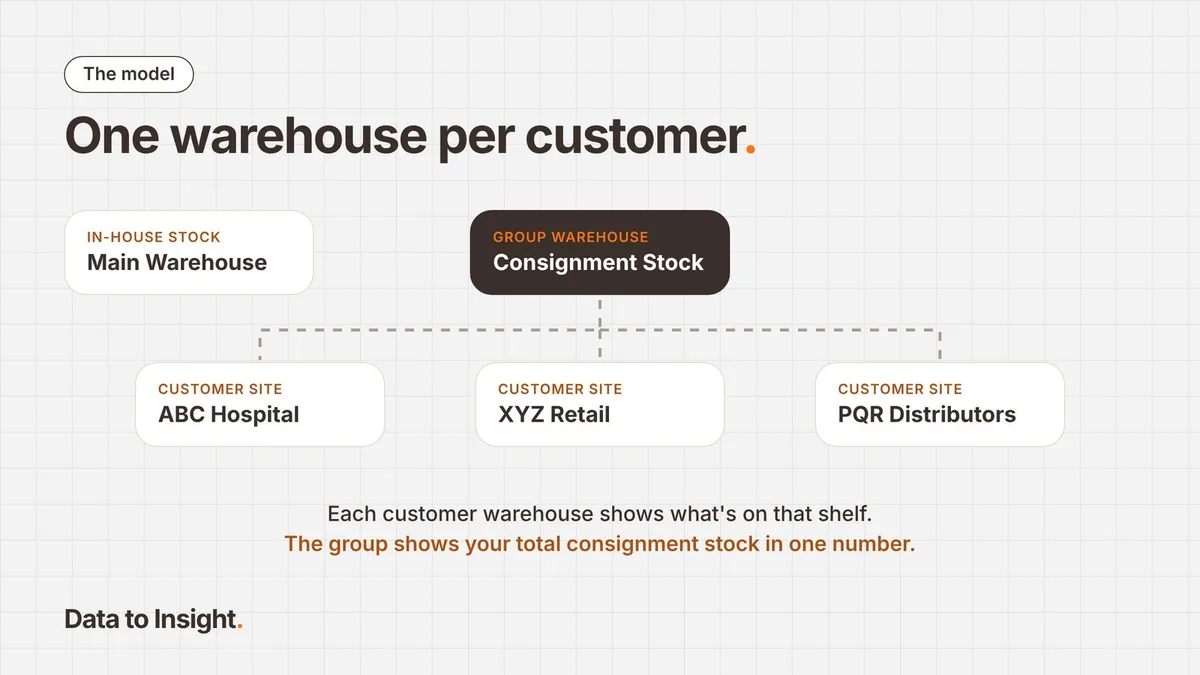
The cleanest setup is to treat each consignment customer as a warehouse in your system.
- Create a group warehouse called Consignment Stock.
- Under it, create one warehouse per customer, for example Consignment – ABC Hospital.
- Map each warehouse to its customer, through naming and a link field.
The stock stays on your books, but you can see exactly where it is. Your own warehouse shows what is in-house. Each customer warehouse shows what is on that customer’s shelf. The group warehouse shows your total consignment exposure in one number.
How it runs in ERPNext, step by step
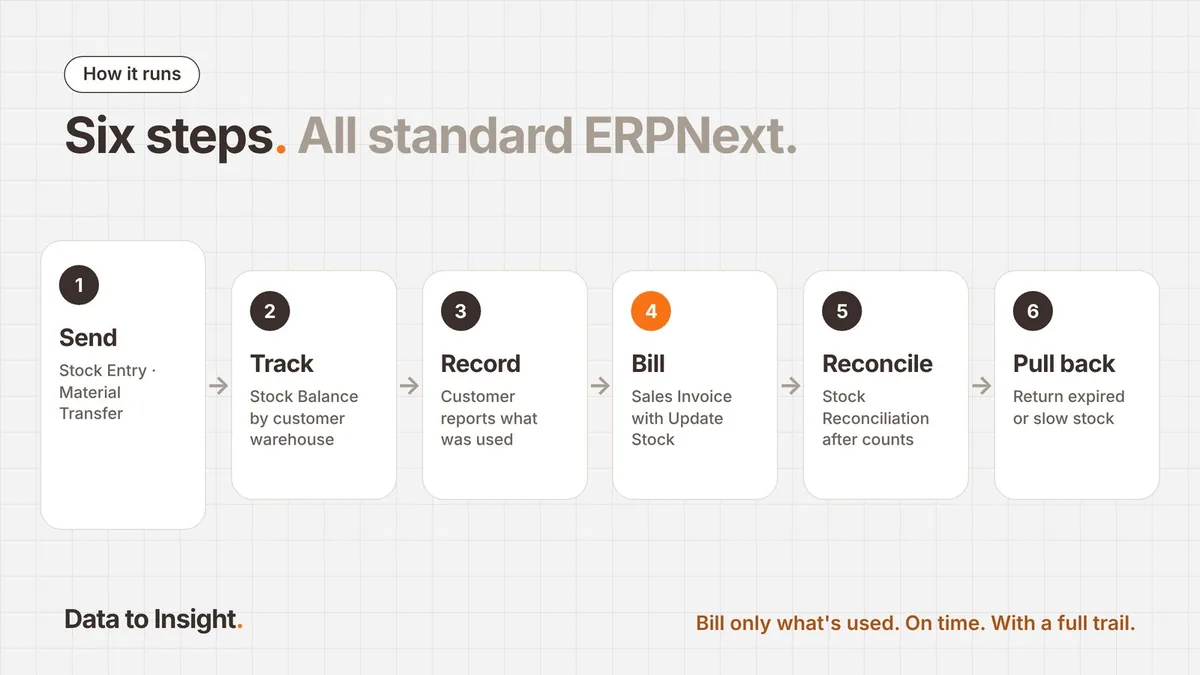
The whole cycle uses standard ERPNext documents. No heavy customisation is needed.
- Send stock. A Stock Entry (Material Transfer) moves goods from your main warehouse to the customer’s warehouse. Ownership does not change, so no sale is booked.
- Track it. The Stock Balance report, filtered by the customer warehouse, shows live quantity and value at that site.
- Record usage. The customer shares what was used, through a periodic report, a count or a portal entry.
- Bill it. A Sales Invoice with Update Stock ticked, using the customer warehouse as source, books the sale and reduces stock in one step.
- Reconcile. A Stock Reconciliation after each physical count fixes any gap, with a full audit trail.
- Pull back. Expired or slow-moving items return to your main warehouse with another transfer.
The result: you bill only what was used, you bill it on time, and every unit has a trail.
Why ERPNext fits consignment so well
The warehouse model works because of what ERPNext already includes.
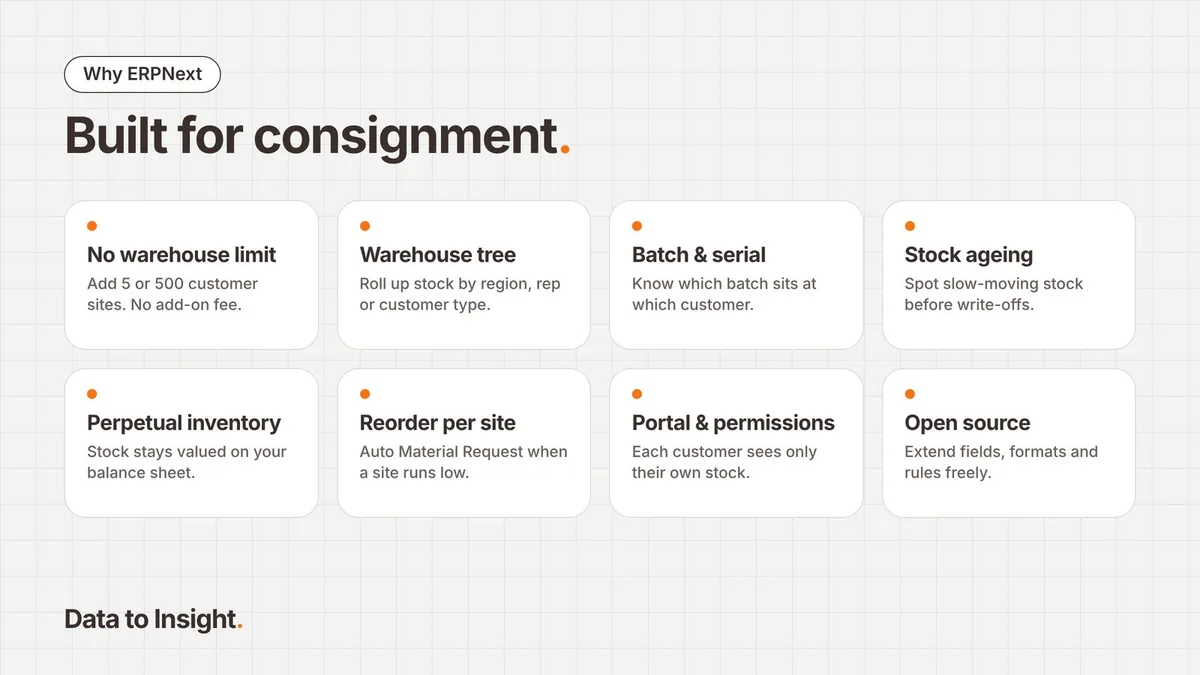
- No limit on warehouses. Warehouses are a core part of the system, not a paid add-on. Add 5 or 500 customer sites without a bigger licence bill.
- Warehouse tree. Group warehouses roll up stock by region, sales rep or customer type.
- Batch and serial tracking. Know which batch sits at which customer. Critical for expiry-driven products like pharma and food.
- Stock Ageing report. Spot slow-moving stock at each site before it turns into a write-off.
- Perpetual inventory. Consignment stock keeps its value on your balance sheet, with accounting entries posted automatically.
- Reorder levels per warehouse. Set a minimum for each customer and let ERPNext raise a Material Request to top it up.
- Customer portal and permissions. Customers or field staff can see or report only their own site’s stock.
- Open source. Add a custom field, a print format or an approval rule when your process needs it.
The takeaway
“Consignment is not a hard model. It only becomes hard when the system cannot show where your stock is, or when the pricing punishes you for modelling it properly.”
One warehouse per customer, standard documents and a few good reports are enough. With ERPNext, that structure costs nothing extra.
At Data to Insight, we design and implement consignment workflows on ERPNext for distributors and manufacturers. If you are running consignment on spreadsheets today, let’s talk.
- Treat each consignment customer as its own warehouse, under one group warehouse.
- Move stock with a Material Transfer; bill usage with a Sales Invoice from that warehouse.
- Reconcile after every physical count, so every unit has a trail.
- ERPNext has no warehouse limit, so 5 or 500 customer sites cost nothing extra.
Tell us where you are today. We’ll help you find a practical next step.